
Tutorial 14: Real-World Assets#
Objective: Learn how to use real-world scanned assets in simulation for sim-to-real transfer.
What you’ll learn:
Using EmbodiedGen generated assets
Converting assets between formats (URDF, USD, MJCF)
Setting up collision meshes
Asset compatibility across simulators
Prerequisites: Completed Tutorial 13: Teleoperation
Estimated time: 30 minutes


This tutorial shows how to use real assets generated from EmbodiedGen in MetaSim.
You can visited more all-simulator-ready assets in here.
You can generate any objects or scene assets you need, reference.
Common Usage#
python examples/14_real_assets.py --sim <simulator>
In headless mode:
python examples/14_real_assets.py  --sim isaacsim --headless
python examples/14_real_assets.py  --sim isaacgym --headless
MUJOCO_GL=egl python examples/14_real_assets.py  --sim mujoco --headless
python examples/14_real_assets.py  --sim genesis --headless
python examples/14_real_assets.py  --sim sapien3 --headless
python examples/14_real_assets.py  --sim pybullet --headless
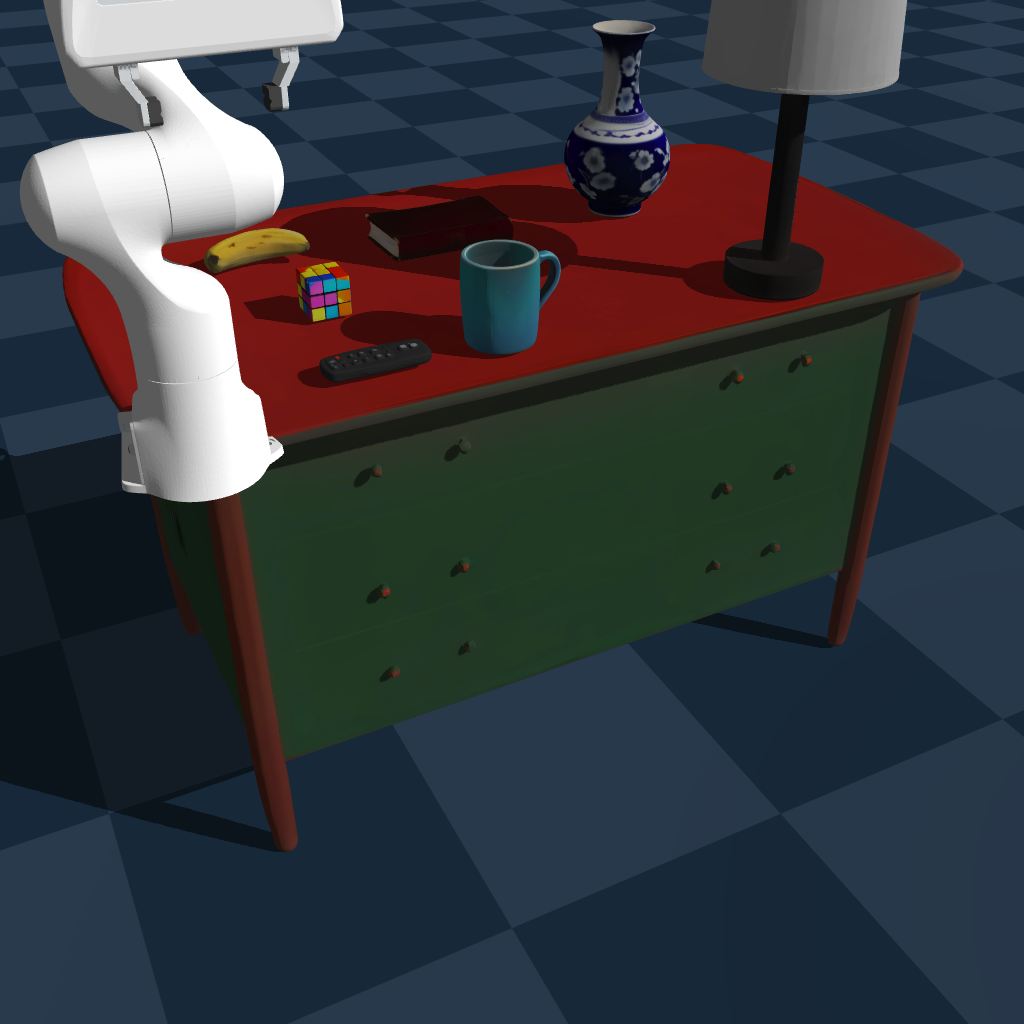
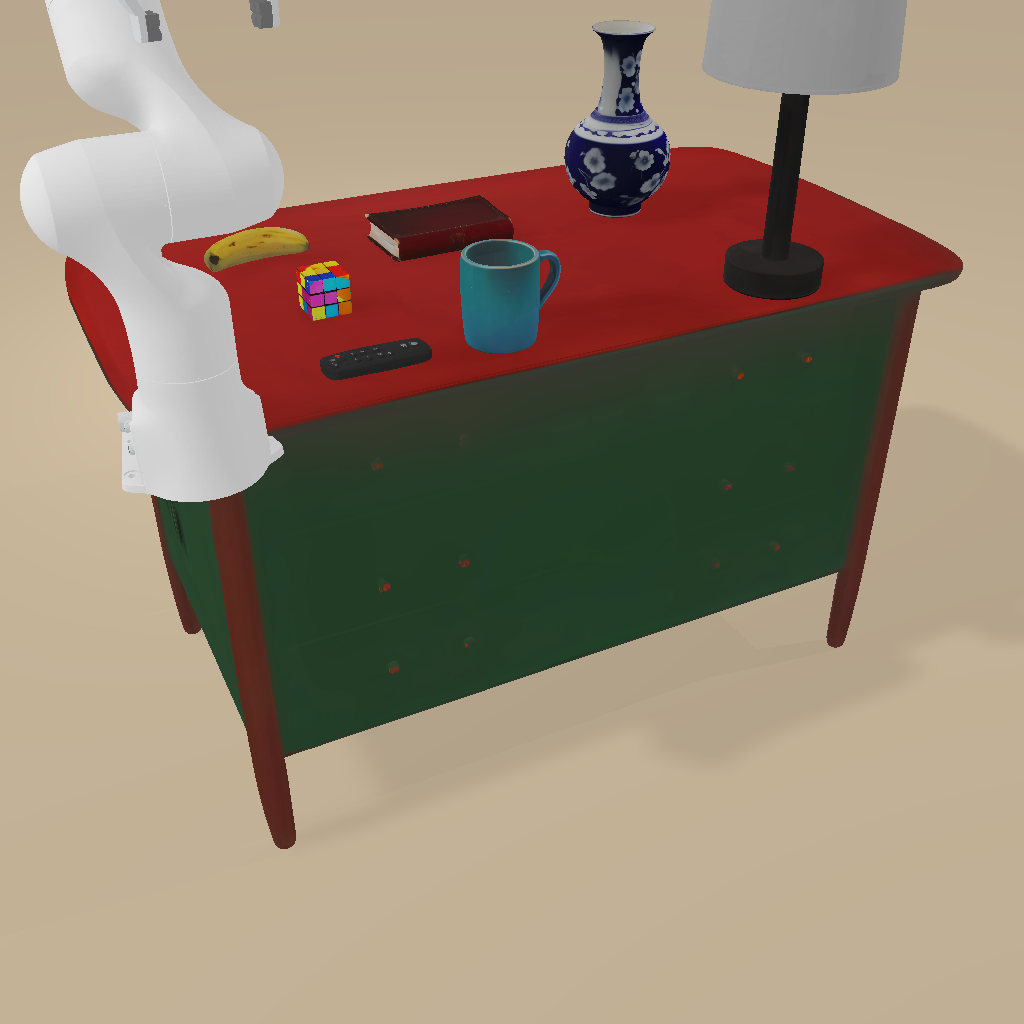
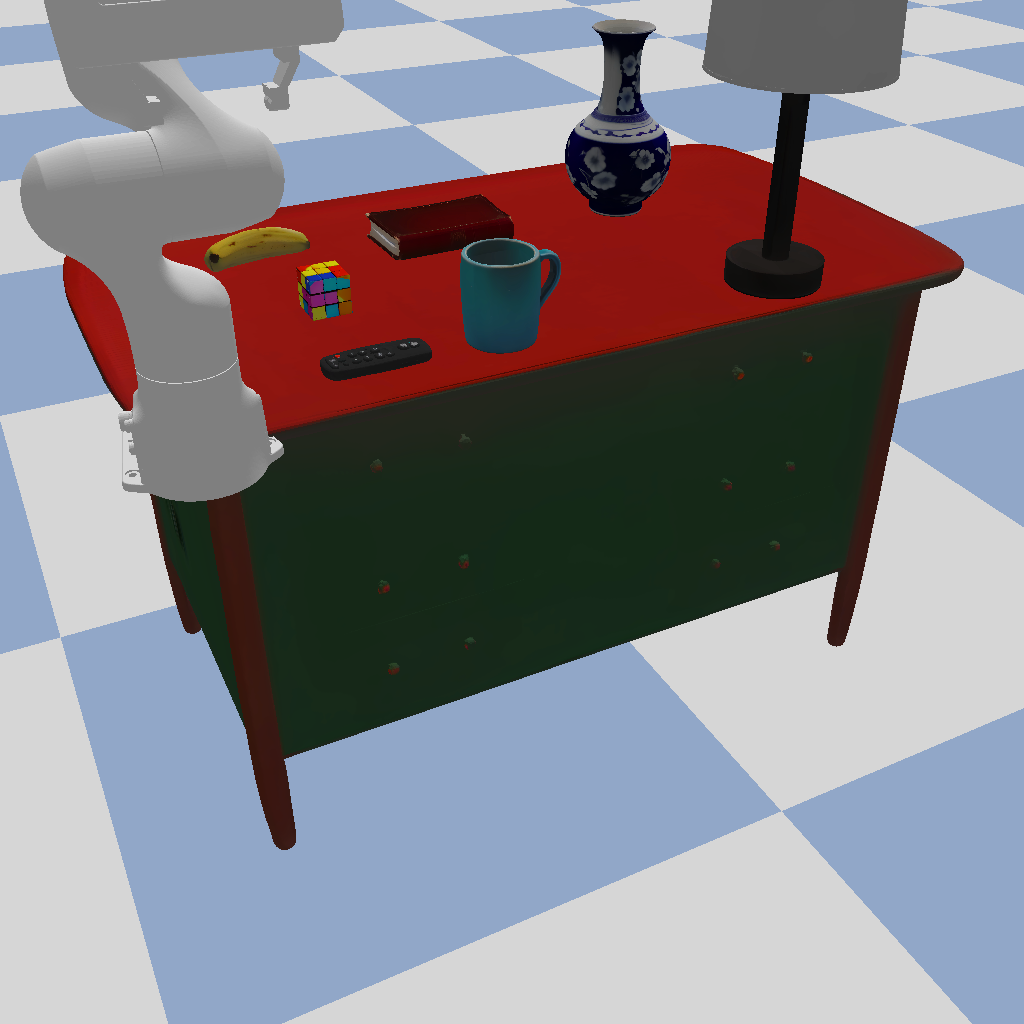
You will get the following image:#
Isaac Sim |
Isaac Gym |
Mujoco |
|---|---|---|
|
|
|
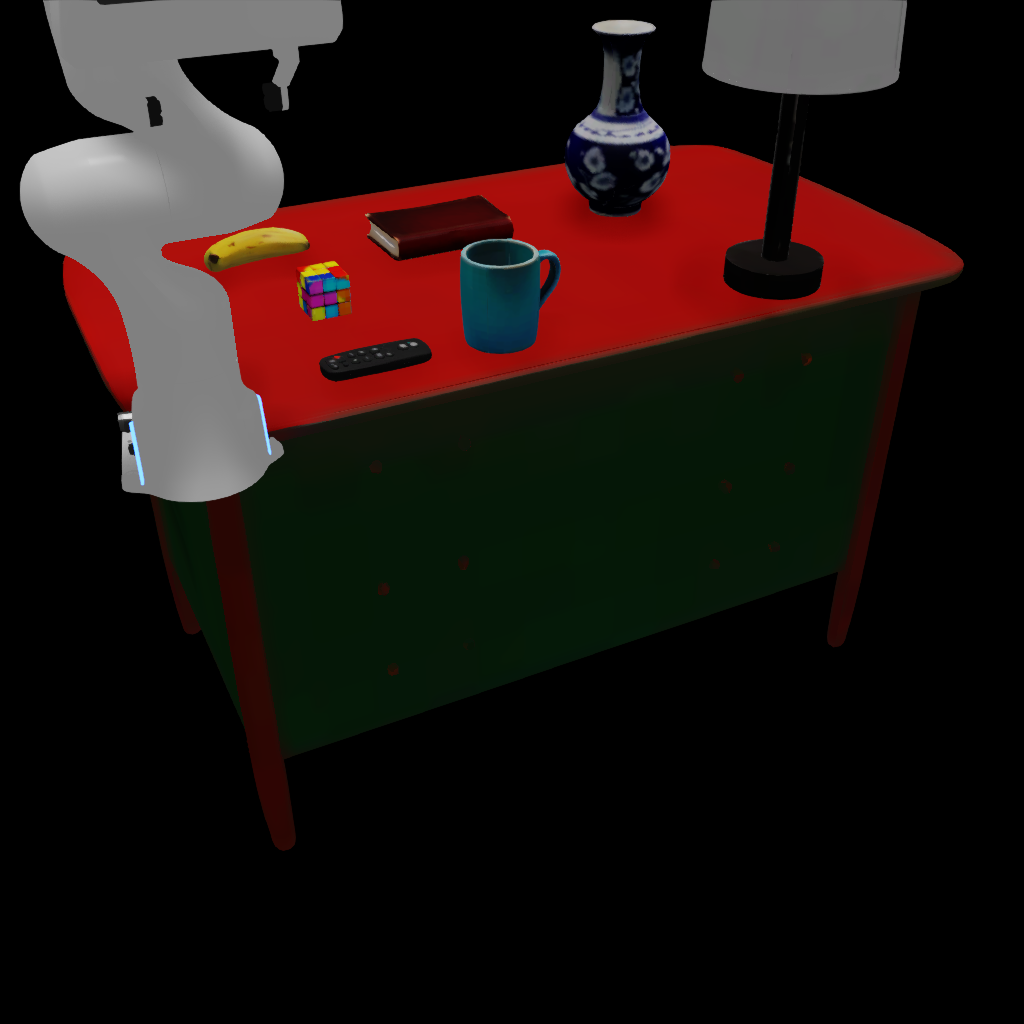
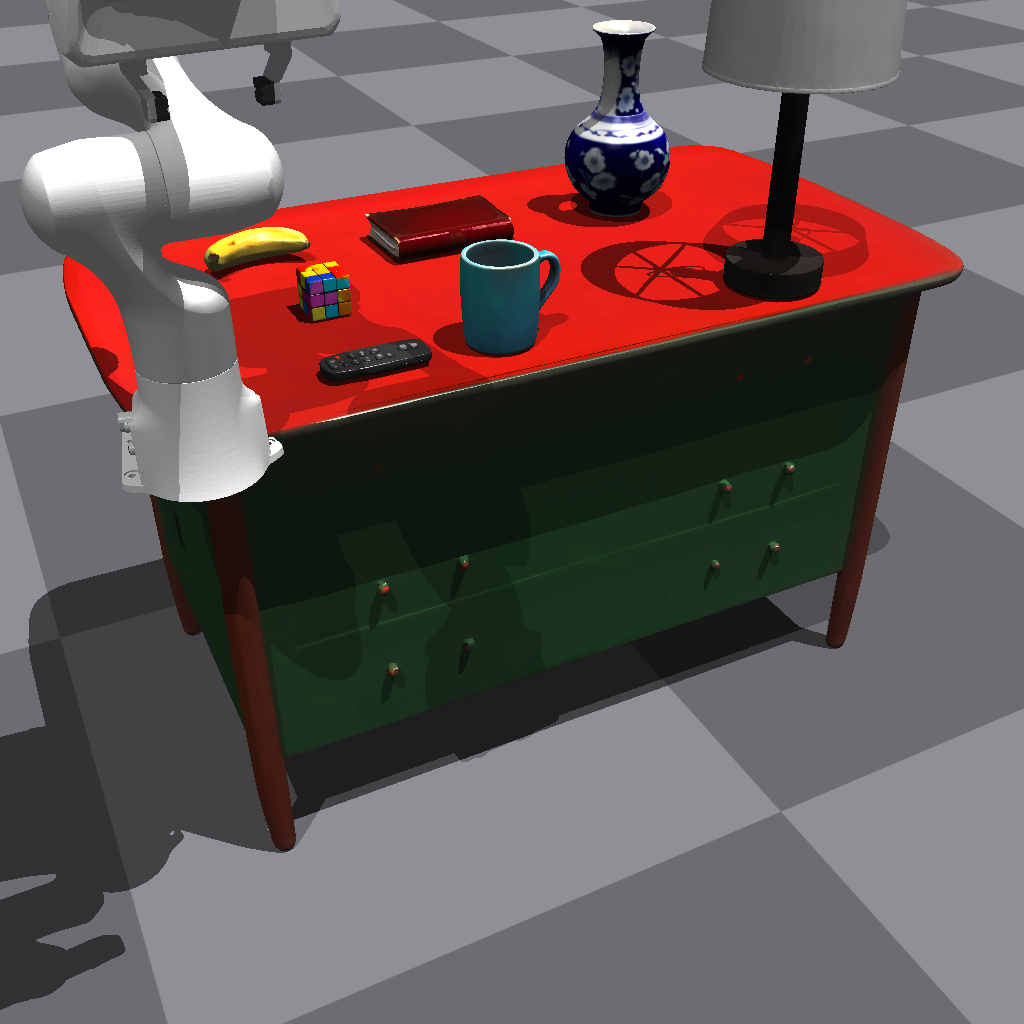
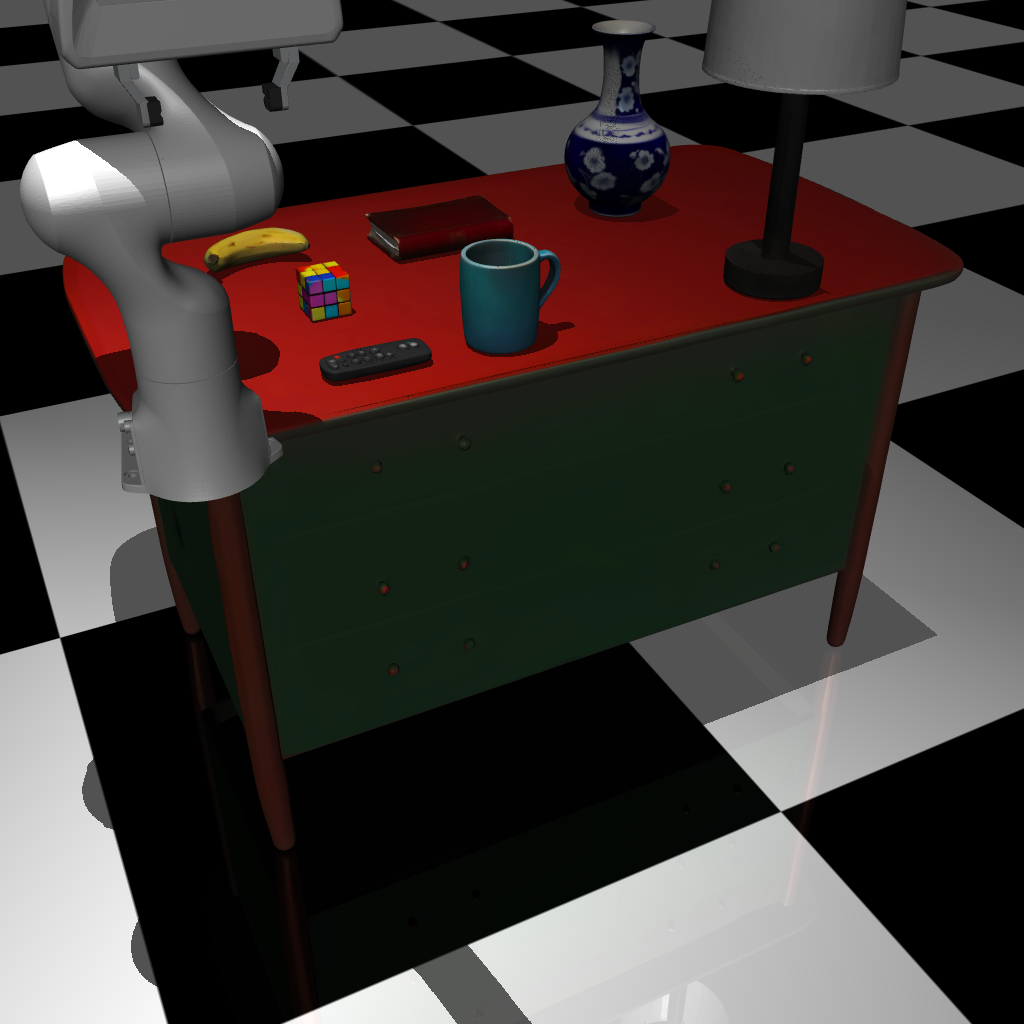
Genesis |
Sapien |
PyBullet |
|---|---|---|
|
|
|
Asset Converter#
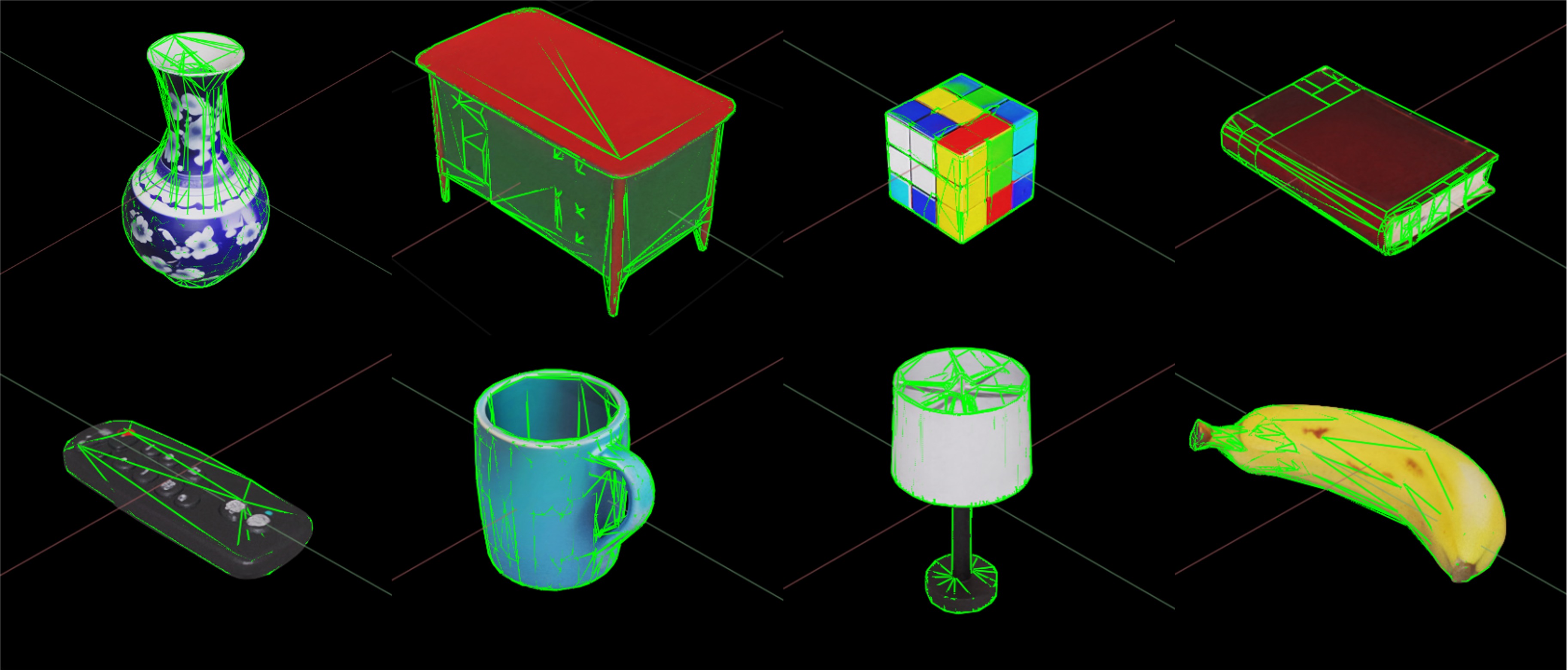
Use EmbodiedGen generated assets with correct physical collisions and consistent visual effects in MetaSim.
(isaacsim, mujoco, genesis, pybullet, isaacgym, sapien).
Example in generation/tests/test_asset_converter.py.
Simulator |
Conversion Class |
|---|---|
MeshtoUSDConverter |
|
MeshtoMJCFConverter |
|
EmbodiedGen generated .urdf can be used directly |
from huggingface_hub import snapshot_download
from tools.embodiedgen_integration.asset_converter import AssetConverterFactory, AssetType

data_dir = "roboverse_data/assets/EmbodiedGenData"
snapshot_download(
    repo_id="HorizonRobotics/EmbodiedGenData",
    repo_type="dataset",
    local_dir=data_dir,
    allow_patterns="demo_assets/*",
)

target_asset_type = AssetType.MJCF # or AssetType.USD

urdf_paths = [
    f"{data_dir}/demo_assets/remote_control/result/remote_control.urdf",
]

if target_asset_type == AssetType.MJCF:
    output_files = [
        f"{data_dir}/demo_assets/remote_control/mjcf/remote_control.mjcf",
    ]
    asset_converter = AssetConverterFactory.create(
        target_type=AssetType.MJCF,
        source_type=AssetType.URDF,
    )
elif target_asset_type == AssetType.USD:
    output_files = [
        f"{data_dir}/demo_assets/remote_control/usd/remote_control.usd",
    ]
    asset_converter = AssetConverterFactory.create(
        target_type=AssetType.USD,
        source_type=AssetType.MESH,
    )

with asset_converter:
    for urdf_path, output_file in zip(urdf_paths, output_files):
        asset_converter.convert(urdf_path, output_file)